How to Fix Dead by Daylight Error Updating Bloodweb (2025 Guide)
Encounter the frustrating Dead by Daylight bloodweb update error in 2025 with effective solutions, character-specific insights, and community-driven fixes.
Many Dead by Daylight players have recently encountered the frustrating "error updating bloodweb" message that boots them back to the main menu. This persistent issue has become increasingly common in 2025, particularly after recent game updates. If you've been struggling with this Dead by Daylight error updating bloodweb problem, you're definitely not alone – and there are some potential solutions worth trying.
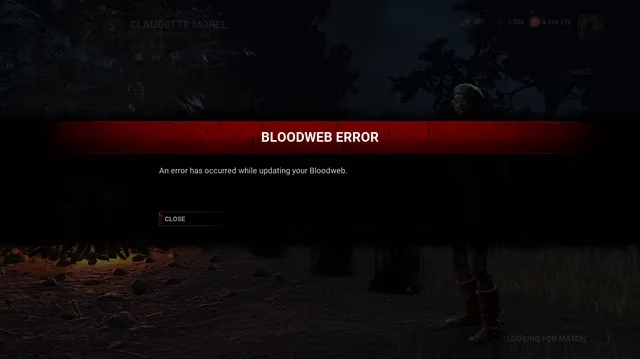
What Causes the Bloodweb Update Error?
The bloodweb error typically occurs when players attempt to complete a character's bloodweb level. Unlike typical connection issues, this problem seems to have specific triggers:
-
Character-specific occurrences (some players report it happening only with certain characters)
-
Often appears when reaching specific levels (particularly around level 45)
-
Can happen when the Entity claims multiple nodes at once
-
May be related to packet loss during the bloodweb update process
One player reported: "Getting a bloodweb error and kicked back to main menu when I try to finish a bloodweb - happening only with Trevor Belmont. Bloodwebs are fine for any other character." This pattern suggests the issue might be tied to specific character data rather than general connection problems.
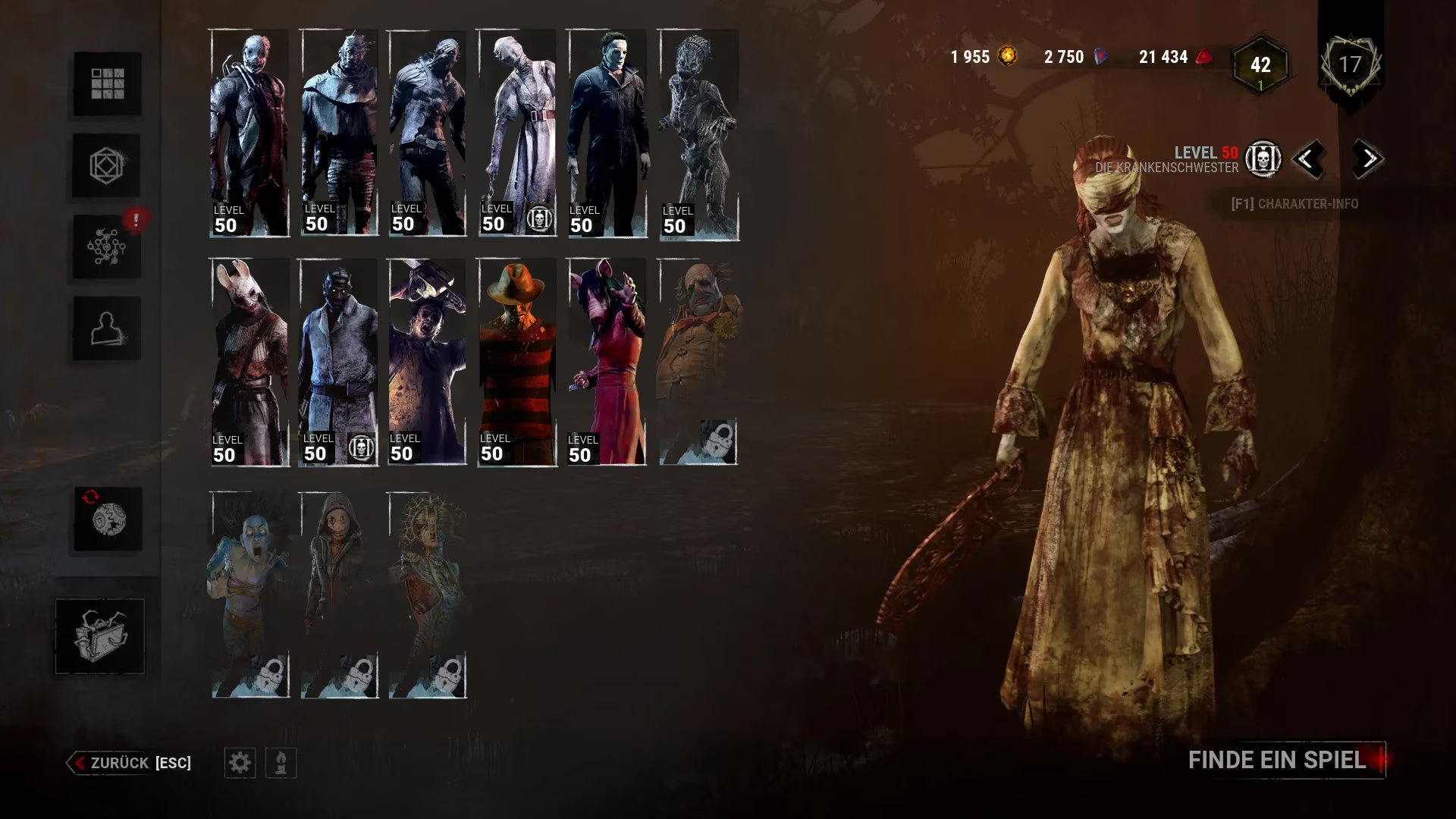
Character-Specific Patterns
Interestingly, the error doesn't affect all characters equally. Based on community reports, these characters seem particularly prone to bloodweb errors:
-
Trevor Belmont
-
Felix (specifically at level 45)
-
Yui (after approximately 30 levels)
-
Dark Lord (when attempting to reach level 46)
-
Lala Croft
Some players experience the issue across multiple characters, but the pattern of character-specific errors suggests potential data corruption or conflicts within certain character profiles.
Troubleshooting Steps for Bloodweb Errors
If you're encountering the Dead by Daylight error updating bloodweb message, here are some potential fixes to try:
1. Verify Game File Integrity
For Steam users:
-
Right-click Dead by Daylight in your Steam library
-
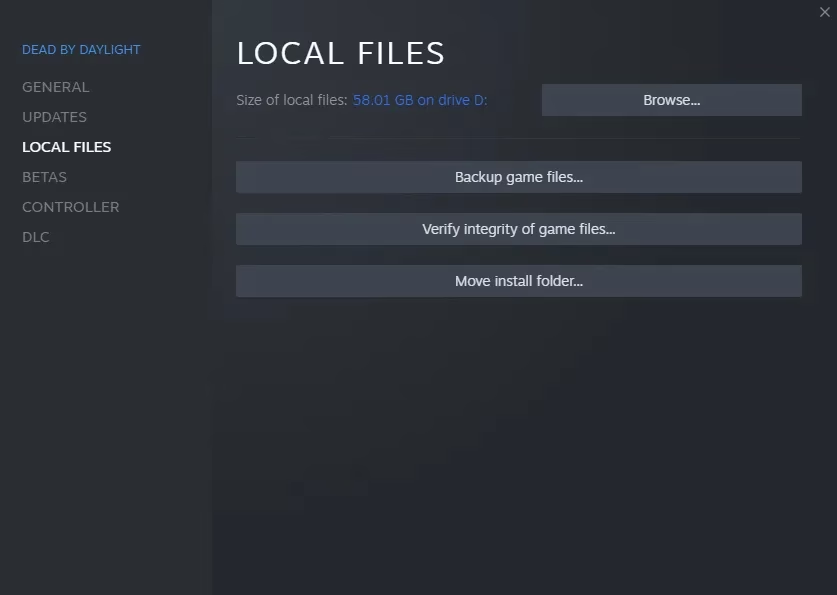
Select Properties → Local Files
-
Click "Verify integrity of game files"
-
Wait for the process to complete and restart your game
2. Clear Cache Files
Clearing your game cache can sometimes resolve persistent errors:
-
Close Dead by Daylight completely
-
Navigate to your game's local files folder
-
Delete temporary cache files (but not save data)
-
Restart the game
3. Try Alternative Network Connections
Since some players suspect packet loss might contribute to the issue:
-
Switch from Wi-Fi to a wired connection if possible
-
Try connecting through a different network if available
-
Consider using a gaming VPN to stabilize your connection
4. Report the Bug Officially
If the above solutions don't work, report the issue to BHVR with specific details:
-
Include the exact character and level where the error occurs
-
Note any patterns you've observed
-
Provide your player logs (required for PC players)
Community Insights
The Dead by Daylight community has been actively discussing this issue. One player noted: "I noticed it happened on a bloodweb where I managed to get 16/24 nodes taken by the entity." This suggests that particularly efficient bloodweb clearances might trigger the error in some cases.
Another player mentioned: "Issue is coming outta no where too, as I progressed about 30 lvls before it booted me out of the game." This unpredictable nature makes the problem particularly frustrating for dedicated players.
The Developer Response
While BHVR (Behaviour Interactive) hasn't released an official fix for the Dead by Daylight error updating bloodweb problem as of early 2025, they are aware of the issue. The developers typically address such bugs in subsequent patches, so keeping your game updated is essential.
When reporting this bug to BHVR, remember to follow their template and provide all requested information, as incomplete reports may be declined.
Conclusion
The Dead by Daylight error updating bloodweb issue remains one of the more persistent bugs in the game's 2025 version. While we wait for an official fix, the troubleshooting steps above might help you get back to progressing your favorite characters' bloodwebs.
Have you found other solutions to this error? What characters have you experienced this issue with? The community continues to work together to identify patterns and potential fixes for this frustrating problem.
Remember to check for game updates regularly, as BHVR may address this issue in upcoming patches. Until then, you might need to focus on developing characters that aren't affected by the bloodweb error.
Leave a Comment
Comments